What a salon website has to do
Most people choosing a salon are deciding three things: whether they can afford it, whether someone there understands their hair, and whether there is a slot that fits around work. A salon website should answer all three before anyone has to pick up the phone.
That means a price menu with real starting prices and durations, profiles that say what each stylist is good at, and a booking route that works on a phone in under a minute. Brides and their families need a separate path, because they are planning several functions, a trial and often a visit to the venue.
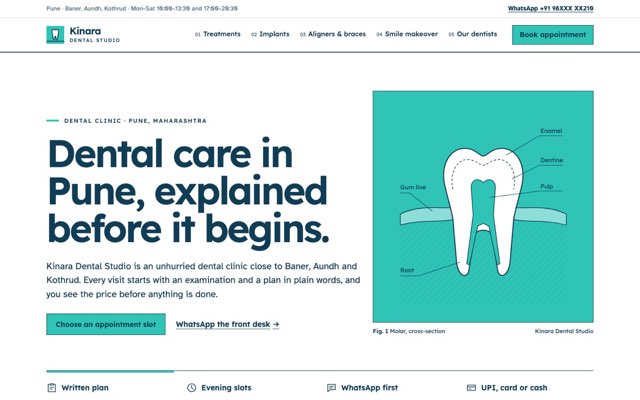
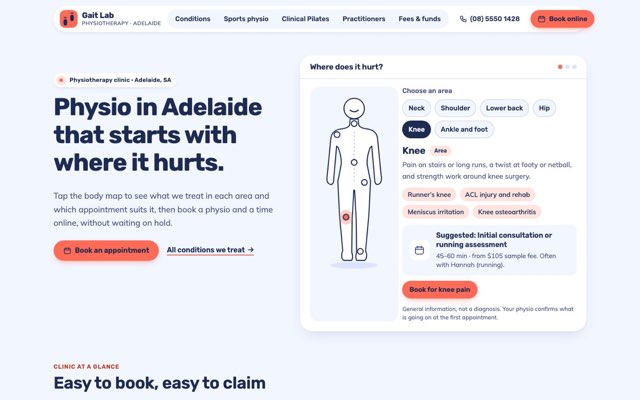
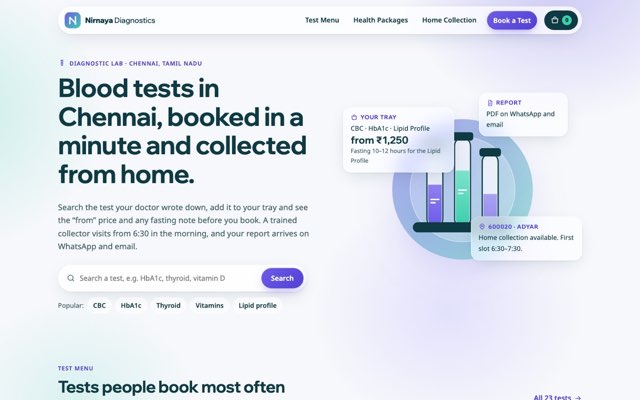
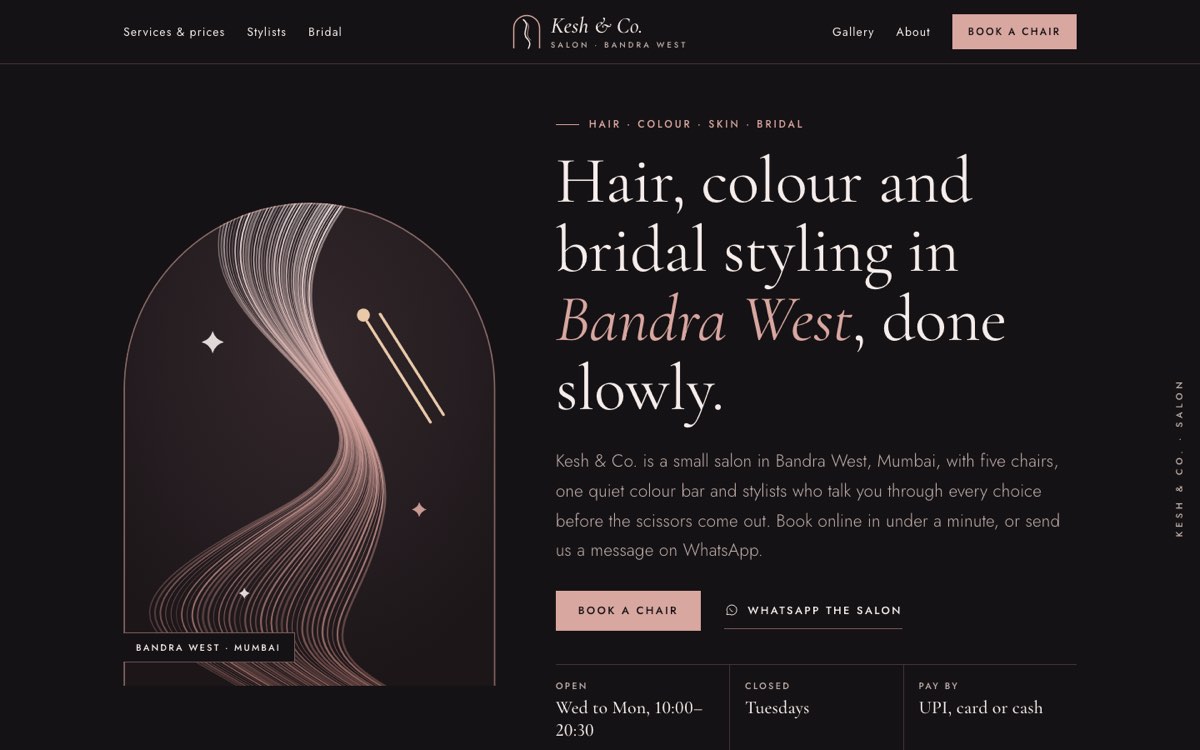
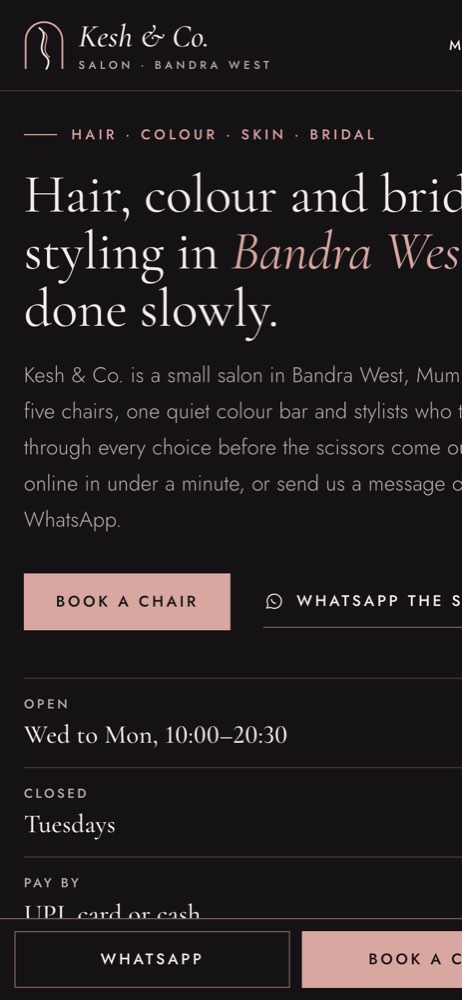
To show how we would build this, we created a demo website for Kesh & Co. Salon, a fictional hair and beauty salon in Bandra West, Mumbai. VirtueInfo made up the business, its stylists and its prices. It is not a client, and the reviews on it are labelled as sample content.
How the demo handles it
The home page opens with the four service categories (hair, colour, skin and bridal), each with a "from" price in rupees and a link into the menu. Below that come the stylists, the bridal process, a gallery strip, booking steps and opening hours.
The services page holds the full price menu. Filter chips switch between all, hair, colour, skin and bridal, and a link such as /services#colour opens the menu already filtered. Each line shows the duration, the starting price and a Book link that carries the service into the booking flow.
The stylists page has five profiles, each with specialities, the languages that stylist speaks and a Book with button. The bridal page covers looks by tradition, a timeline from first conversation to the wedding day, sample packages, an enquiry form for dates, functions and people, and a set of FAQs. The gallery uses ten original illustrations, filtered by category, so no photo of a real person appears anywhere.
The signature feature is the booking flow on the book page. It runs in five steps: service, stylist, day, time and details. Once a service is chosen, only the stylists who offer it appear, plus a no-preference option. The day step offers the next fourteen open days and skips Tuesdays. The time step shows sample availability, and long services end earlier in the day, so colour stops at 18:00 and bridal at 17:00. The last step asks for a name and an Indian mobile number, which is validated, with email optional. Each step checks its fields and moves focus to the first error. On phones, a sticky dock keeps WhatsApp and Book within reach.
Local SEO built in
Every page carries structured data for the schema.org HairSalon type, with opening hours, accepted payments, currency and the areas served (Bandra West, Khar West and Santacruz West). The services page marks up the price menu as an offer catalogue, the bridal page marks up its service and FAQs, and the stylist profiles are marked up as people who work for the salon.
Page titles follow what people type: hair salon in Bandra West for the home page, salon prices in Mumbai for the menu, bridal hair and make-up in Mumbai for the bridal page. The name, phone number, hours and area match what you would enter in your Google Business Profile, which helps search engines treat the site and the listing as the same business.
The site loads fast because it uses self-hosted fonts, line illustrations instead of heavy photos and a small script with no framework. Search engines are told to skip the Kesh & Co. Salon demo. When we build for a real salon, the site is indexable from launch, with canonical tags and a sitemap in place. A client site launches fully indexable, with a sitemap and the same markup filled with your real details.
Notes for each market
India
Clients expect to book or ask questions on WhatsApp, so the demo puts a WhatsApp button next to every Book button. Prices are in rupees with lakh-style grouping and state that GST is included, and the footer has a place for your GSTIN. Payment notes list UPI, cards and cash.
USA
We switch to American spelling, US dollars and a phone and text contact in place of WhatsApp. Where your state requires it, the site can show cosmetology licence details for the salon or stylists. Card payments and deposits for long colour appointments are common, and the booking flow can say so up front.
Canada
Prices go in Canadian dollars, with a note on whether tax is included. Salons in Québec usually need the site in French as well as English, and we build both versions with separate URLs so each ranks in its own language.
Australia
We use Australian English, Australian dollars and a note that prices include GST. Your ABN can sit in the footer, and the booking flow can reflect your cancellation policy in plain words.
Finland
Many salons need Finnish, Swedish and English versions, and we set up each language with its own pages and markup. Prices show in euros with VAT included, and the footer can carry your business ID.
What we deliver and how the project runs
We design the site to your brand, with your colours, typefaces and photos or illustrations. We write or edit the content with you, from the service menu and stylist profiles to the bridal packages, so every price and duration matches what happens in your salon. Our UI and UX design team plans the booking flow around your services, your staff and your closed days.
Bookings and enquiries go where your team already works: email, WhatsApp, your booking system or your CRM. Before launch we test every form and check the structured data. After hand-over you get a short guide to updating prices and stylists yourself, and we can stay on for maintenance and changes.
If you run a salon and want a site like this, send us your service list and where you are based, and ask us for a quote.