What patients need from a dental clinic website
Most people looking for a dentist want to know three things before they call: whether you do the treatment they need, roughly what it costs, and when they can come in. Someone with a toothache wants the earliest open slot. Someone who has avoided the dentist for years wants to know what happens at the first visit and that nothing is done without asking. A son or daughter booking implants for a parent wants the stages, the number of visits and a number they can message.
The website has to answer those questions on a phone, in a few seconds, and then make the next step easy. That means a clear treatment list, pages that explain the longer treatments, visible opening hours, and a booking route that suits how your patients like to get in touch.
How the Kinara Dental Studio demo handles it
Kinara Dental Studio is a fictional clinic in Pune that VirtueInfo created to show what we build. It is not a client, and the dentists, reviews and contact details are made up and labelled as such on the site.
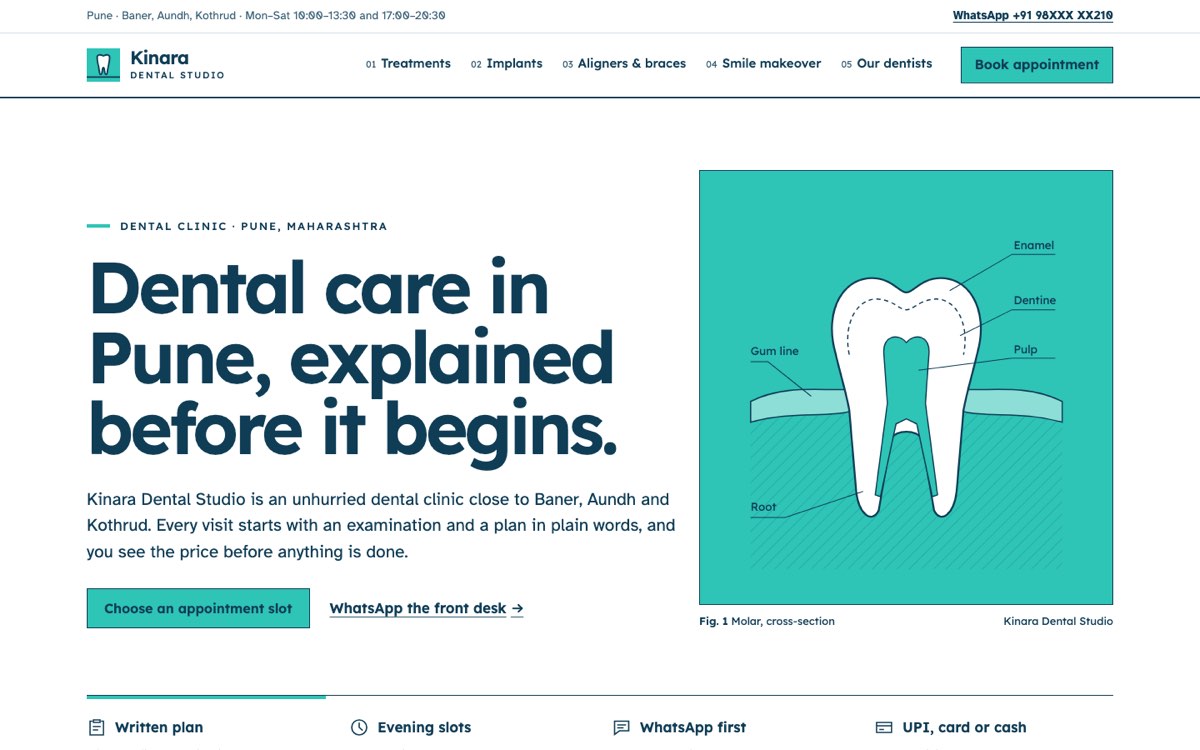
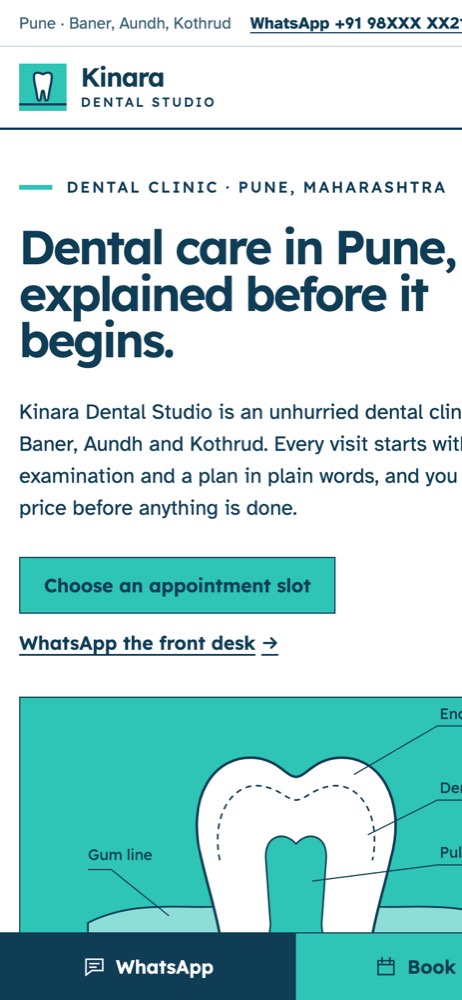
The home page opens with what the clinic does and a short promise about the first visit: a conversation, an examination, and a written plan with a "from" price for each option. Below that sit a treatment table with visit counts and sample prices, the four dentists, sample reviews and the opening hours.
The treatments page lists every service in one numbered table, grouped into everyday care, restorative, orthodontic, cosmetic and children's treatment. It also explains how the clinic prices work, how payment by stage works for implants and aligners, and how second opinions are handled. Three treatment pages go deeper. The implants page walks through the stages from scan to crown with a line diagram. The aligners and braces page compares the three options in a table. The smile makeover page covers whitening, bonding and veneers. Each page ends with FAQs in expandable panels and a button that opens the booking form with that treatment already selected.
The booking page is the main interactive feature. Patients choose the reason for the visit and, if they like, a preferred dentist. They then pick one of the next seven opening days and a morning or evening time, and slots that are already full cannot be selected. A summary panel updates as they choose. The form checks the name and a ten-digit mobile number before sending, and shows a confirmation with the chosen day and time. On the demo nothing is sent. On your site the request goes to your email, WhatsApp or CRM. A WhatsApp button sits on every page, and on phones a sticky bar keeps Book and WhatsApp in reach.
Local SEO built in
Every page carries structured data that marks the clinic as a schema.org Dentist, with opening hours, accepted payment methods, the city and the neighbourhoods it serves. Treatment pages add Service and FAQPage data, and inner pages add breadcrumbs. Page titles follow the searches patients make, such as dental implants or clear aligners plus the city name.
We match the business name, address, phone and hours on the site to your Google Business Profile, so search engines see one consistent clinic. The areas you serve are written into the home page and the dentists page rather than spread across thin location pages. The demo uses self-hosted fonts and drawn illustrations instead of large photos, which keeps pages light on mobile data.
The Kinara Dental Studio pages carry no search listing because the company is fictional; a live dental clinic site gets a sitemap, canonical URLs and a Search Console property instead. A client site launches fully indexable, with a sitemap and the search console set up.
Notes for each market
India
Patients expect to book and ask questions on WhatsApp, and to pay by UPI as well as card or cash. Prices are shown in rupees, and the form can accept Indian mobile numbers in common formats. Many clinics show the state dental council registration number, and the site can offer Marathi or Hindi alongside English.
USA
Use American spelling, prices in dollars, and a clear list of the insurance plans you accept. Patients often look for new-patient forms they can complete before the visit. Each dentist's state licence details can sit on their profile, and the booking form should collect only what the front desk needs.
Canada
Spelling follows Canadian usage, and prices are in Canadian dollars. A clinic in Québec, or one serving French-speaking patients, usually needs the site in French and English. Registration with the provincial dental regulator can be shown on each dentist's profile.
Australia
Use Australian spelling and prices in Australian dollars, and mention the private health funds you work with. Dentists are registered through Ahpra, and its advertising guidelines limit how testimonials can be used for health services, so we plan the reviews section with that in mind.
Finland
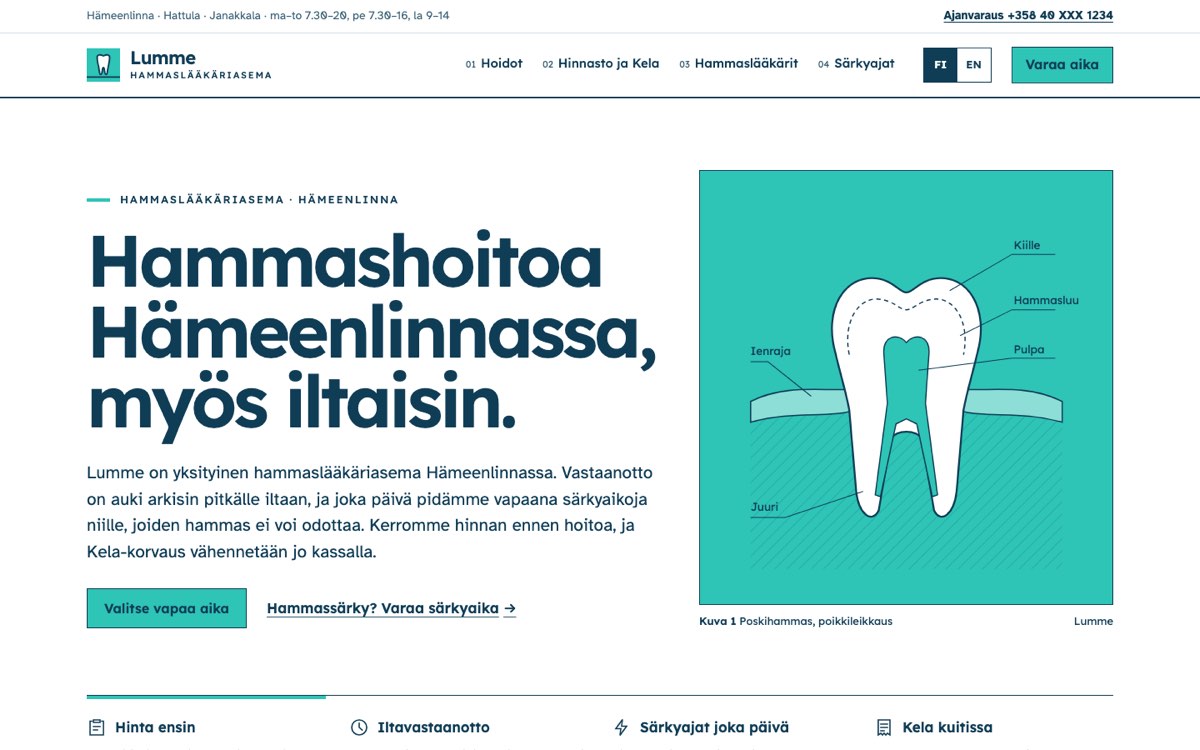
Many clinics need the site in Finnish, Swedish and English, with prices in euros. Patients often ask how Kela reimbursement applies to their visit, so a short page on that is useful. Dentists' registration details from Valvira's register can appear on their profiles.
What we deliver and how the project runs
We design the site to your brand, with your colours, typography and tone, rather than reusing the demo look. We write or edit the treatment pages with you, using your real prices, processes and dentist profiles, and a dentist on your team reviews the clinical text before launch.
Booking requests can go to your email, your WhatsApp number, your CRM or your booking system, depending on what your front desk already uses. After launch we hand over the site with access and short guidance for updating prices, hours and team pages. If you want us to keep it updated and secure, our healthcare solutions team covers ongoing support for clinics.
Send us your current site, or a list of your treatments and locations, and ask us for a quote.