What homeowners need from a roofer's website
Roofing customers arrive in two moods. One has water dripping through a ceiling or a tarp to arrange after a storm, and needs a phone number and the first few things to do. The other is planning: the roof is old, the insurer wants a condition report at renewal, or the house is going on the market. That person wants to see the process, the material choices, past work and proof that you are licensed.
A roofing site has to serve both. The phone number and an inspection request should be one tap away on every page. The service pages should explain repair versus replacement plainly, and the projects should show what changed, not just a finished roof from the street.
How the Gulfcrest Roofing demo handles it
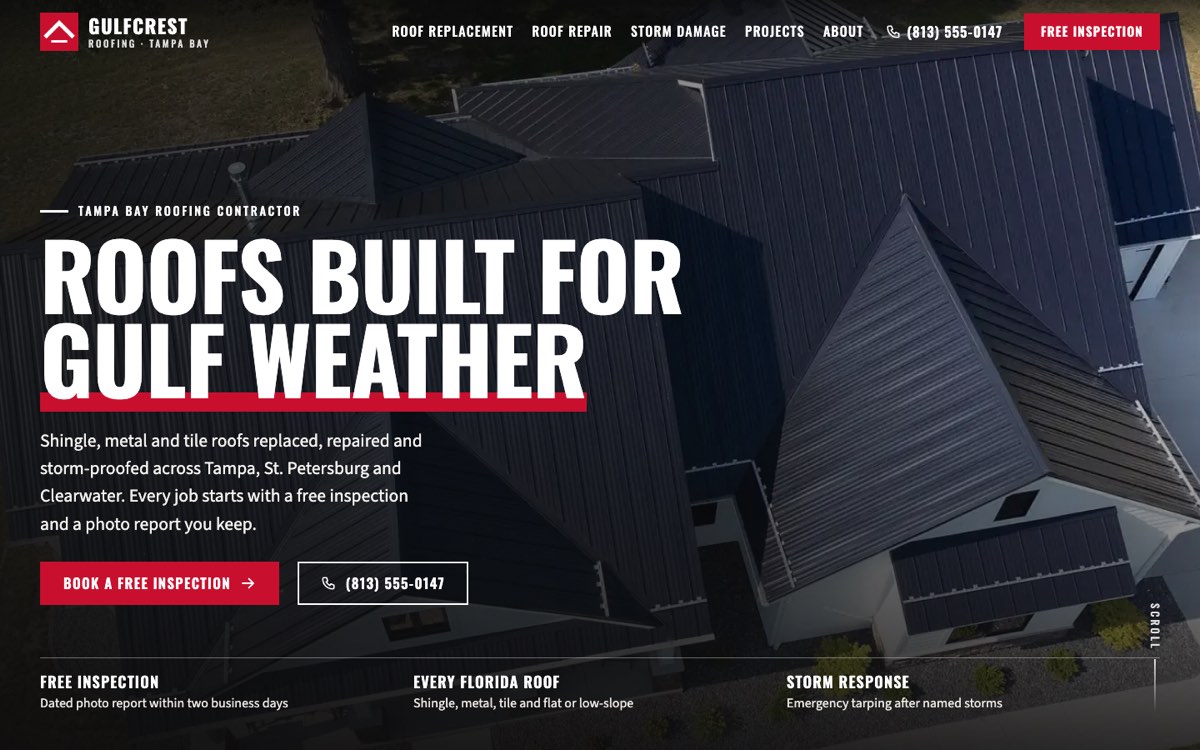
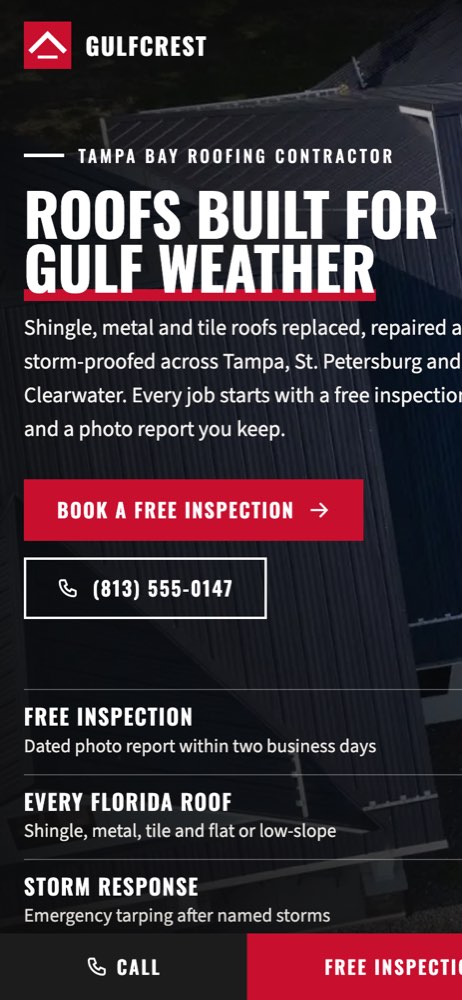
Gulfcrest Roofing is a fictional roofing contractor in Tampa, Florida, created by VirtueInfo for this demo. It is not a client. The reviews and contact details are sample content and are labelled that way. The design uses full-width photos under dark overlays, uppercase condensed headings and section tops cut to a roof pitch.
Before-and-after sliders
The signature feature is the before-and-after slider. The visitor drags a handle across a project to reveal the old roof and the new one, and keyboard users can focus the handle and use the arrow keys. The projects page holds three illustrated jobs: a shingle re-roof, a shingle-to-metal conversion and a storm tile repair. Each lists the before, the after, the scope and the time on site. On a live site the sliders use your own photos.
The free inspection request
The request form runs in four short sections. The homeowner taps a roof-type tile, picks the issues and how urgent it is, adds photos if they have them, then leaves contact details and a ZIP code. The form checks the phone number and ZIP code before sending, and a panel beside it explains what happens next. On phones a fixed bar keeps Call and Free inspection in reach at all times.
Service and storm pages
The repair page lists the details that fail most, such as pipe boots, flashing and cracked tiles, and gives five steps to take while waiting for the roofer. The replacement page lists the signs a repair will not do, walks through each stage from permit to final inspection, and compares materials in a table. The storm damage page covers the first steps after a storm, damage that cannot be seen from the driveway, and a clear list of what the company will and will not do on insurance claims. Each of these pages ends with its own FAQs.
Local SEO built in
Every page marks the business up as a schema.org RoofingContractor, with opening hours, the cities served and the counties as administrative areas. Service pages add Service and FAQPage data, and inner pages add breadcrumbs. Titles target searches such as roof repair, roof replacement and hurricane roof damage, each paired with the area name. The service area is written out on the home and about pages rather than spread across thin city pages.
We match the name, phone, hours and areas to your Google Business Profile. Photos are served as compressed WebP files and the fonts are self-hosted, so the photo-led design still loads quickly on mobile. The demo pages are not indexed because the company is fictional. We keep the Gulfcrest Roofing demo out of search, since the business does not exist. Your own roofer website goes live fully indexable, with a sitemap submitted on day one.
Notes for each market
India
Much of the work is terrace waterproofing and leak repair before the monsoon, so those pages lead. Homeowners will send photos of leaks on WhatsApp, and payment by UPI is common. Show prices in rupees and add a regional language if your customers use one.
USA
Licensing rules differ by state, so show the license your state requires near the phone number. Storm and insurance wording needs care, and we keep it to what your business does and what your state allows.
Canada
Snow load, ice dams and attic ventilation belong on the repair pages. Prices go in Canadian dollars, and roofers in Québec need the site in French and English. Show any provincial license or safety program membership you hold.
Australia
Use Australian spelling and say whether prices include GST. Hail and storm damage and metal roof restoration are common searches, so give them their own pages. Show your state license number and ABN in the footer.
Finland
Customers expect Finnish, and in some areas Swedish, and they plan roof work around the snow season. Prices go in euros with VAT, and homeowners often ask about the household tax deduction for labor. Show your Y-tunnus, and mention roof safety equipment, which buyers ask about.
What we deliver and how the project runs
We design the site to your brand and fill it with your own project photos, materials and service area. We write or edit the content with you, including the storm and insurance wording. Inspection requests and photos go to your email, WhatsApp, CRM or your booking system. Our digital marketing team can run your Google Business Profile and local search before storm season.
The project starts with a call about the jobs you want more of. You review a design, we build and test it on phones, then launch with structured data and a sitemap in place. At hand-over we show you how to add projects and before-and-after photos, and we offer maintenance if you would rather we looked after it.
If you want a site like this, ask us for a quote and tell us which areas you cover.