What clients look for on an accountant's website
Most people who visit an accounting firm's website are small business owners with something unfinished on their desk. One has receipts piling up and a bank feed nobody has reconciled. Another is changing advisers before year end and wants to know what to bring. A third is comparing two or three firms and wants a rough idea of monthly cost before booking a call.
They all want to know the same few things: what you do, what is included and what is not, roughly what it costs, and how to start a conversation without handing over sensitive records to a contact form. A good accounting site answers those points calmly, sets expectations about scope and makes the first step small.
How the demo handles it
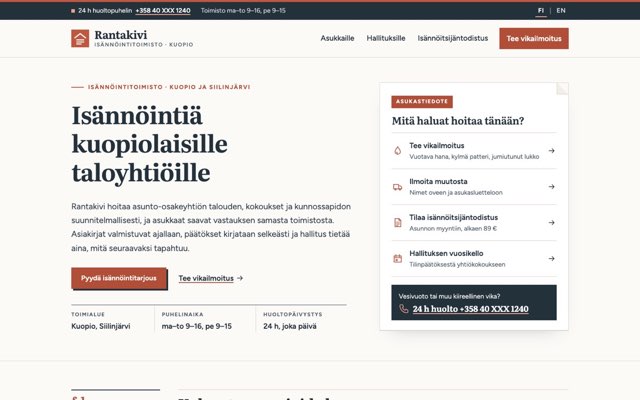
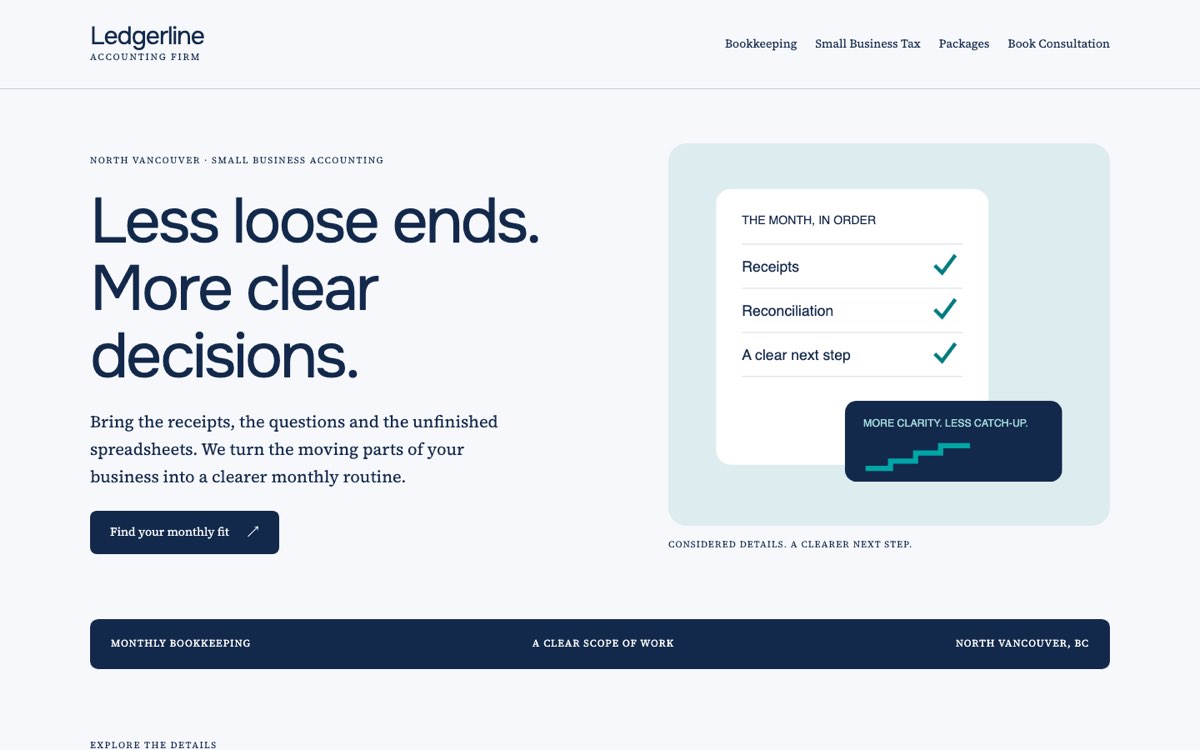
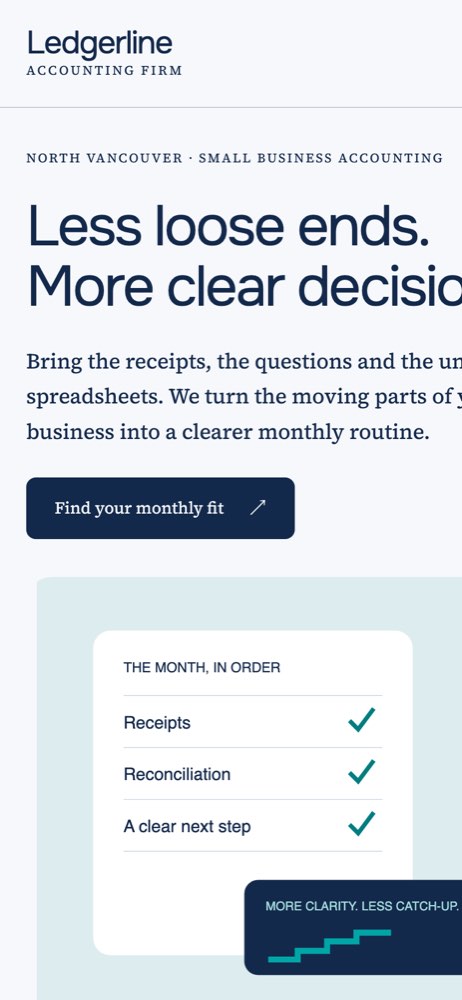
Ledgerline Accounting is a fictional practice that VirtueInfo created for this demo. It is not a client, it claims no professional designations, and every fee on the site is a sample. The pages and forms work, so you can click through as a prospective client would.
The home page introduces three services (bookkeeping, small business tax and packages) and ends with guidance on what to include in a first message. Each service has its own page written in plain language.
The bookkeeping page describes a monthly routine: categorising transactions, listing reconciliation questions and noting missing records, with reports that separate completed work from items waiting on the owner. The small business tax page is careful about limits. It explains how to separate reconciled books from open questions and how responsibilities and dates would be agreed, and it states that the website does not calculate tax or give advice.
The packages page holds the signature feature. A slider sets the approximate number of monthly transactions, and the result updates as it moves: Essentials up to 75, Steady up to 200 or Growing up to 500, each with a sample starting fee in Canadian dollars. Beside it, the page explains that payroll, catch-up work, inventory or several currencies change the scope even when the transaction count is low. The selector gives a starting point for a conversation, not a quotation.
The consultation page asks for a name, an email address, a preferred day and a short message. The date field does not accept days in the past, and the form checks each field before showing a demo notice. Every page reminds visitors not to send account numbers, tax identifiers or statements through the site.
Local SEO built in
Every page carries schema.org AccountingService data with the firm's city, and the service pages add Service and breadcrumb data. Page titles pair each service with the location, such as "bookkeeping North Vancouver" and "small business tax North Vancouver", which is how owners search for local help.
The business name, city and enquiry hours are written the same way as they would appear on your Google Business Profile. The pages use self-hosted fonts, a small script and original SVG illustrations, so they load quickly on a phone.
The demo pages are kept out of search results because the firm is fictional. A client site launches fully indexable, with a sitemap, canonical tags and a separate page for each service and each area you cover.
Notes for each market we serve
India
We write in Indian English and show fees in rupees, and service pages usually cover GST returns, TDS and statutory filings alongside bookkeeping. Many clients expect to reach the firm on WhatsApp, so we add a WhatsApp button next to the form. Your firm registration details go in the footer.
USA
We switch to American spelling and US dollars, and service pages follow the federal and state filing calendar you work to. CPA firms usually show their licensing state, and we place it in the footer and on the about page.
Canada
The demo is already set up for Canada, with Canadian dollar fees and a British Columbia location. For firms with clients in Québec we build a French version of every page. Your designation and provincial body appear where your professional rules allow.
Australia
We use Australian spelling and fees in Australian dollars including GST. Service pages can cover BAS, payroll and end of financial year work, and your ABN goes in the footer along with any registration you are required to display.
Finland
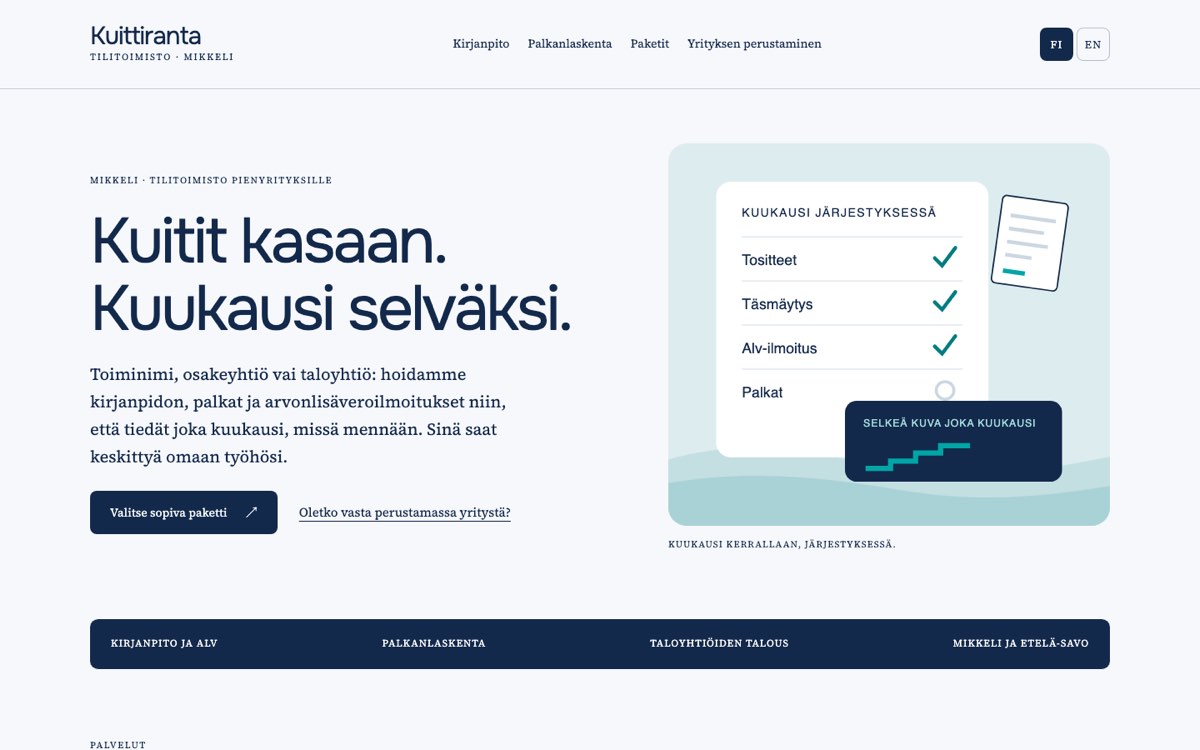
We build the site in Finnish and Swedish, with English for international founders, and show euro fees with VAT stated. Your business ID goes in the footer. Fees can be shown per month with or without VAT, depending on whether your clients are mostly businesses.
What we deliver and how the project runs
We design the site to your brand, not the Ledgerline look, and write the service pages with you so the scope matches how you work. We set the package bands and fees from your own price list.
Consultation requests go to your email, your CRM or your booking system, and we can add a WhatsApp button. If you need a client portal for secure document upload or a request list, our custom application development team builds it to sit alongside the website.
At hand-over you get the code, hosting and a short editing guide, and we can stay on for updates after launch.
Tell us about your practice and the clients you serve, and ask us for a quote.